Cross Chain Addresses
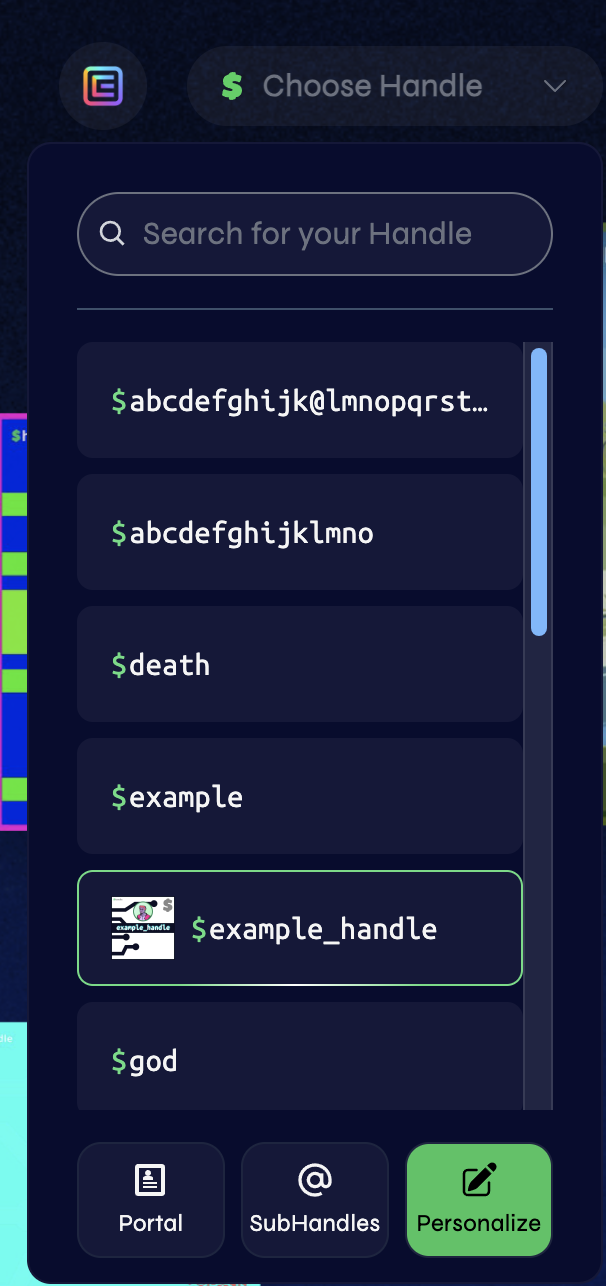
To add a cross chain address, you need to go to handle.me and connect your wallet in the top right corner. Once you have connected your wallet, select the handle you wish to add Cross Chain Addressing to and select personalization. From there you can add a cross chain address.
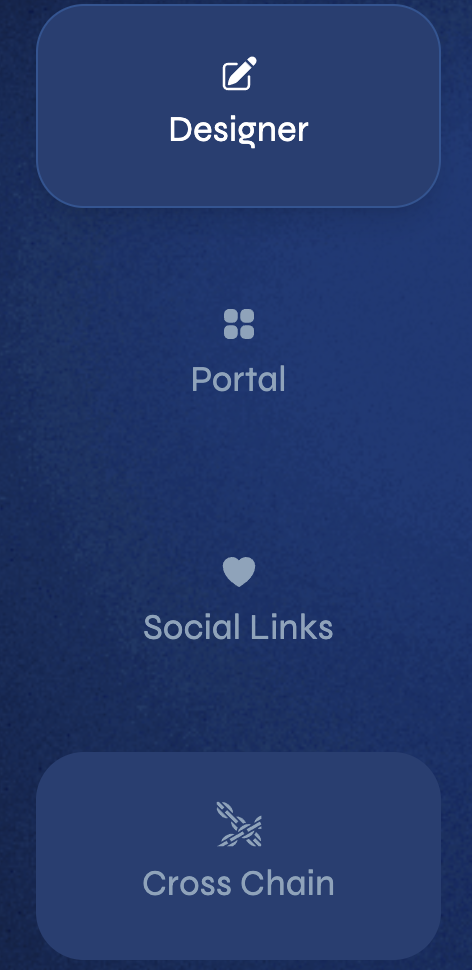
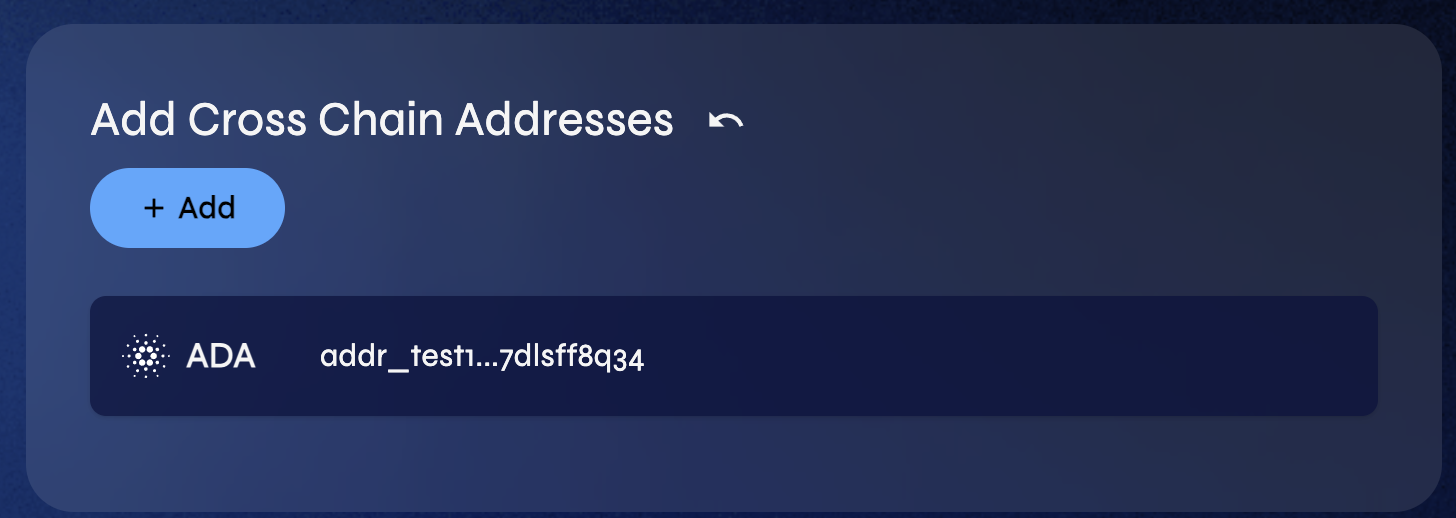
inside the personalization menu, you can add a cross chain address by selecting the add cross chain button. Once you have selected the cross chain button, you will be prompted to select the chain and address you wish.
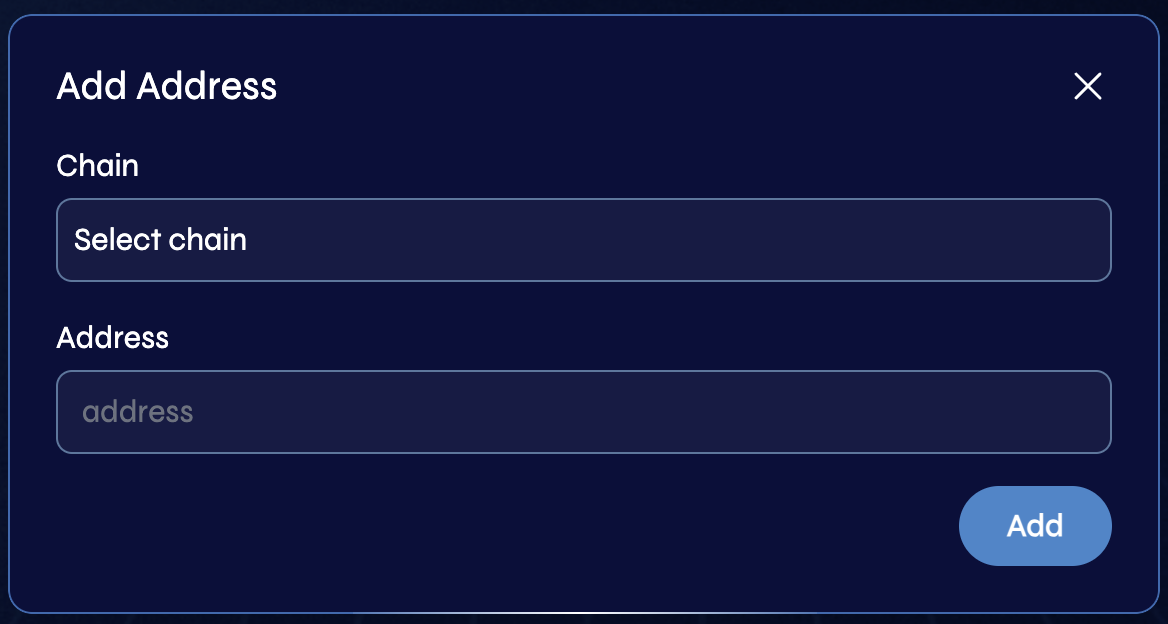
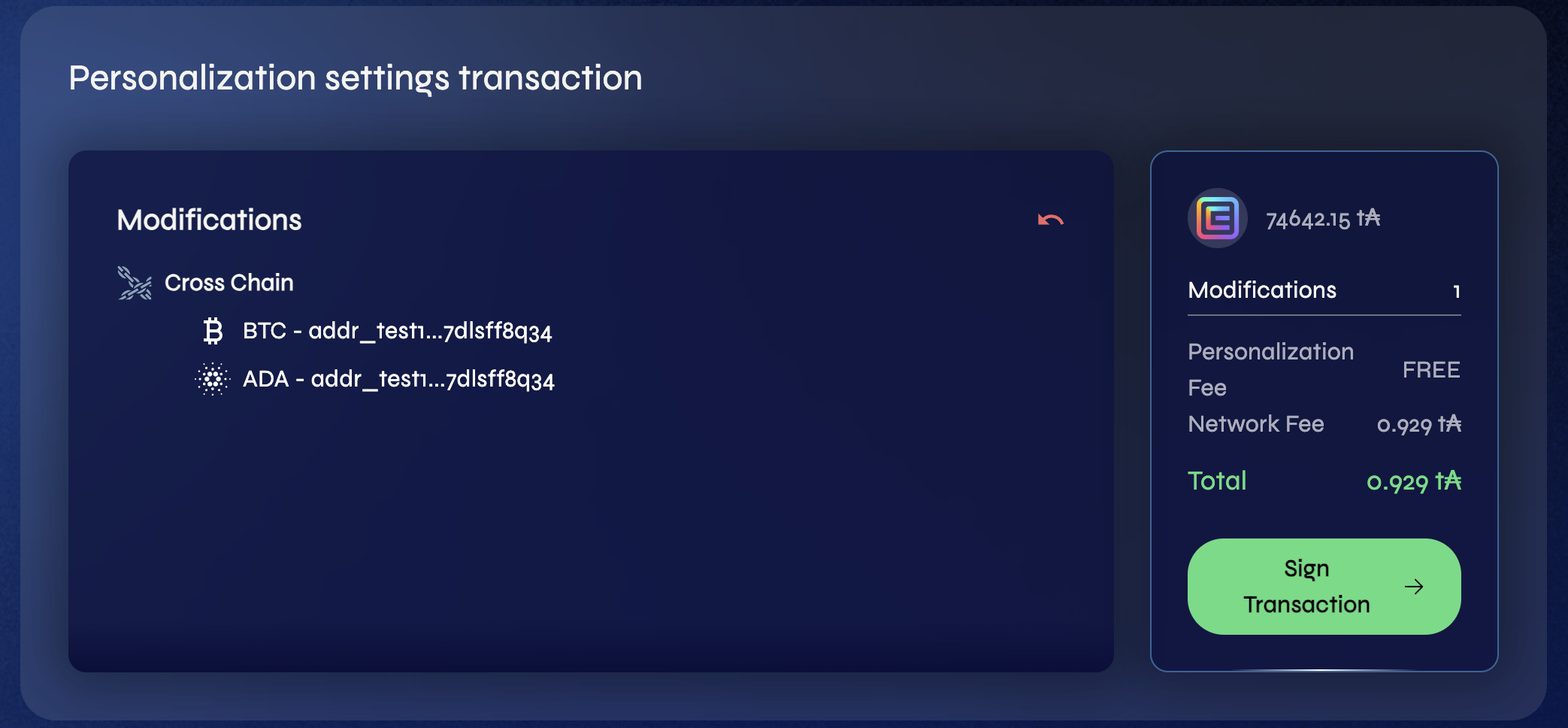
After you have selected the chain and address you wish to add, you will be prompted to sign a transaction. Once you have signed the transaction, the cross chain address will be added to your handle.